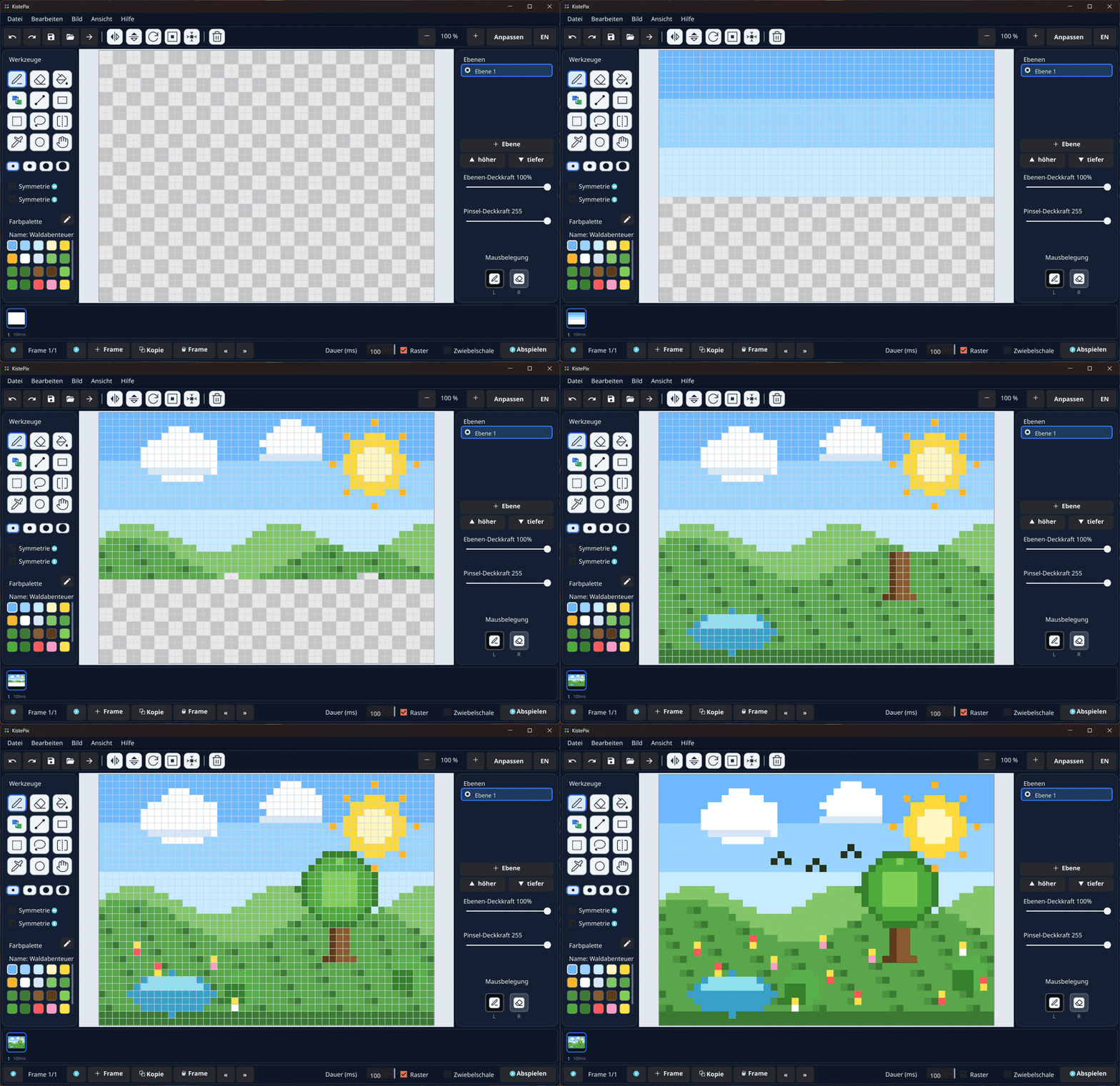
How it’s built
KistePix is a pure Kiste program — a single file of about 5700 lines, with no game or
graphics engine. It uses the built-in modules gui (windows, canvas, controls),
bild (pixel buffers, PNG/GIF), datei, json and
pfad (saving/loading), bytes (hex colours) and mathe.
The code is German, because Kiste is.
What’s inside
- Layers with opacity and ordering, composited live
- Animation with frames, a timeline, onion skinning and per-frame duration
- Custom palettes (up to 256 colours) to load and save
- Tools: pen, eraser, fill, line, rectangle, circle, selection, lasso, eyedropper, mirror & symmetry
- Undo/redo, zoom & pan, transparency checkerboard
- Export as PNG, animated GIF and sprite sheet (with Aseprite JSON that Godot, Unity or Phaser read directly)
- Bilingual interface (German/English) and its own help window
Drawing all layers at once
Instead of setting pixel after pixel, KistePix mixes every visible layer into one flat memory buffer and writes it to the canvas in a single call. That keeps drawing smooth even on large images.
// Every layer is mixed into ONE flat RGBA buffer and then written
// to the canvas in a single call — the cost no longer depends on
// the canvas size.
bild.setze_puffer(komposit_bild, komposit_puf)
Undo without eating memory
A full image snapshot per brush stroke would be far too expensive. Instead KistePix remembers only the changed pixels — index and old value — in a ring buffer. A “generation mark” stops the same pixel being recorded twice in one step.
funktion undo_erfasse(idx, alt) {
    wenn d_offen == falsch { gib }
    nimm mk = d_mark
    wenn mk[idx] == d_gen { gib }     // already recorded in this step
    mk[idx] = d_gen
    // remember only the pixel index and its OLD value:
    ai[w] = idx
    av[w] = alt
    d_len = d_len + 1
}
Exporting the animation
Each frame has its own duration. On export that becomes an animated GIF with matching delays — or a sprite sheet plus JSON for game engines.
funktion exportiere_gif(pfad, faktor) {
    nimm bilder = liste.gefüllt(länge(frames), 0)
    nimm dauern = liste.gefüllt(länge(frames), 0)   // one delay per frame
    für f = 0 bis länge(frames) - 1 {
        bilder[f] = frame_als_bild(f, faktor, 0)
        dauern[f] = frames[f].dauer div 10          // ms -> 1/100 s (GIF unit)
    }
    bild.schreibe_gif_animiert_dauern(pfad, bilder, dauern)
}
Sprite sheets for game engines
For games, KistePix exports every frame as one sprite sheet — a wide image
with all frames side by side — and automatically writes a companion .json in
the Aseprite schema. Godot, Unity or Phaser read it directly, including each
frame’s duration. An animation in KistePix becomes a ready-made game asset with no detours.
funktion exportiere_blatt(pfad, faktor, transparent) {
    nimm n = länge(frames)
    nimm img = bild.neu(n * LEIN_B * faktor, LEIN_H * faktor)
    für f = 0 bis n - 1 {
        // draw each frame side by side into the sheet …
    }
    bild.schreibe_png(img, pfad)
    // companion JSON in the Aseprite schema — Godot/Unity/Phaser read it directly:
    datei.schreibe(mit_json(pfad), blatt_json_text(pfad, faktor))
}
KistePix shows how far a single Kiste program can go: a complete creative tool that holds its own against the usual pixel editors — open to read, change and build yourself.